Sign PDF - Digital signature
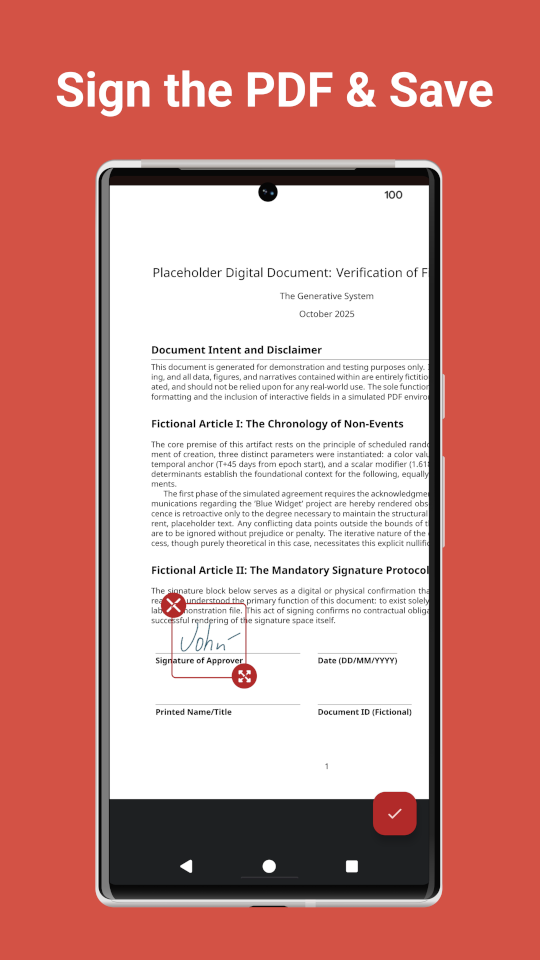
Sign PDF in a couple of seconds. Your e-signature app. Sign now.

Screenshots
What's new
v1.3.0 (Fab 11, 2026)
- Added a document scanner: scan paper document with the camera and sign with your signature
- Added an option to rename PDFs
v1.2.1 (Fab 2, 2026)
- You can now open any PDF from other apps (File manager, Email, Google Drive, etc.) using the "Share" or "Open with" option
- Added translations for Ukrainian, French, Portuguese, Italian, Spanish, Romanian, Indonesian, Chinese, German, and Turkish.
v1.2.0 (Jan 10, 2026)
- You can now change the color and line weight while drawing or editing your signature.
v1.1.0 (Dec 28, 2025)
- Ability to reuse the signature: draw once, use forever. Access your previously drawn signatures to sign PDFs in seconds.
v1.0.5 (Nov 13, 2025)
- Stability improvements for PDF Viewer
- Memory usage fix to work smoother on low-performing devices
- Integrated in-app update mechanism
v1.0.0 (Nov 4, 2025)
- Initial version
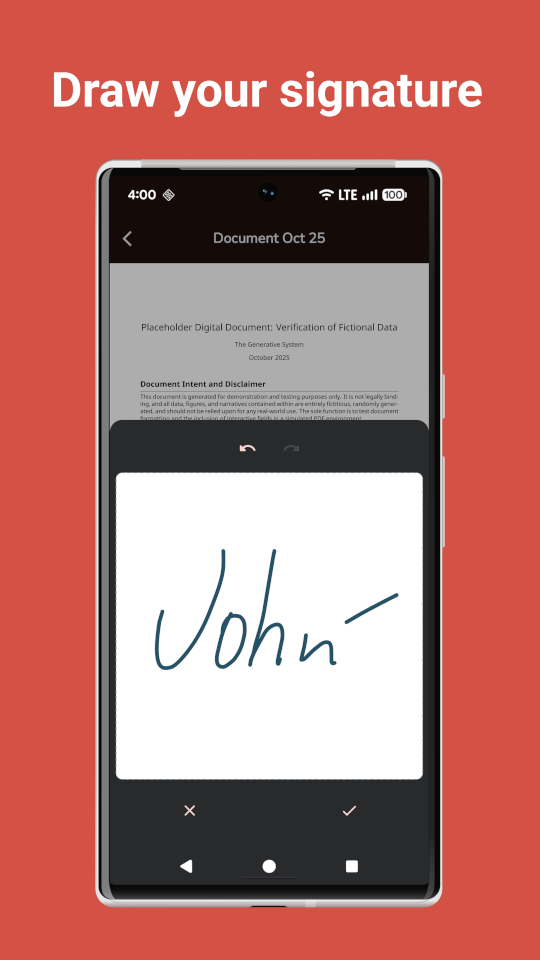
- Draw your signature
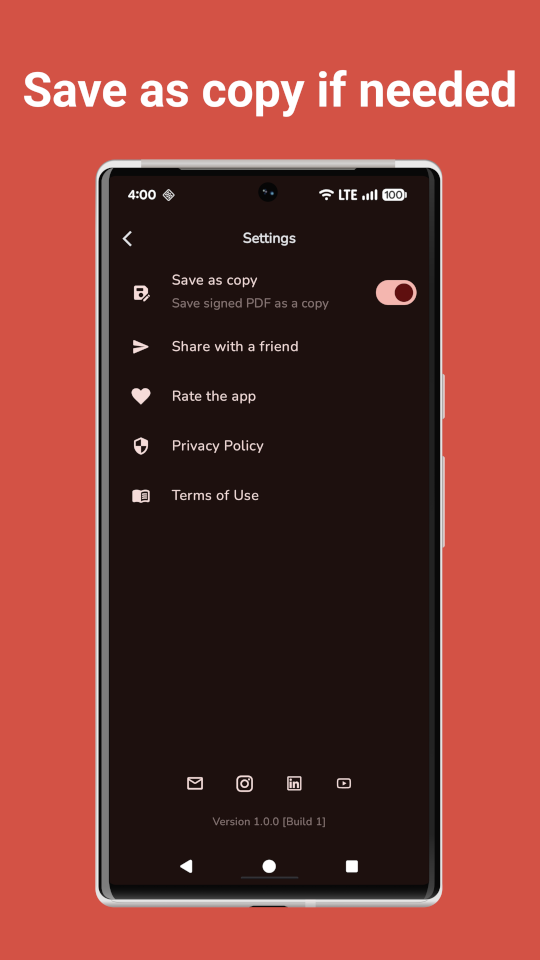
- Save PDF as copy optionally
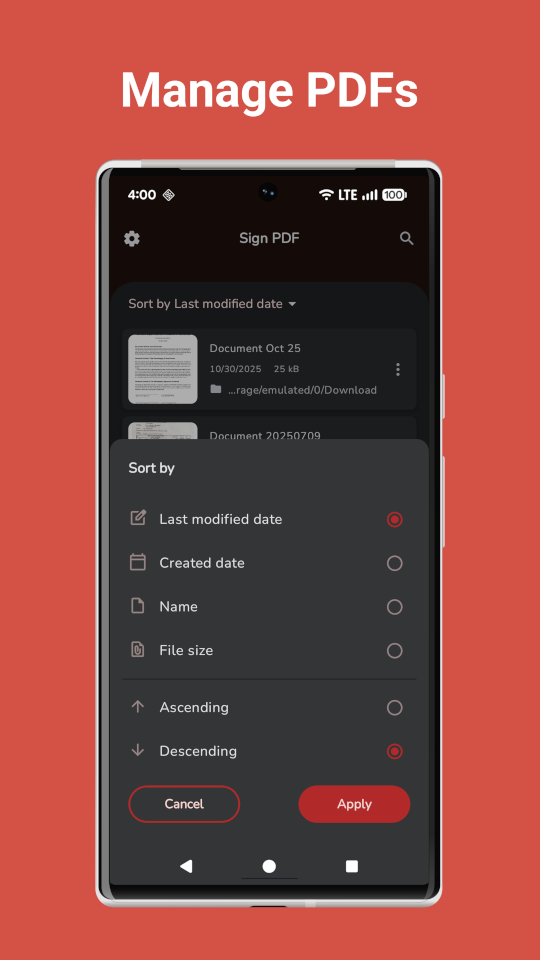
- Search and sort PDFs
- Manage PDFs